
SIX-IN-LINE · YOUR CUSTOMER PORTAL
Your BMW’s service records.In one place.
When was the last service? What did we repair, and how much did it cost? Your Six-In-Line account lets you review the available service records of vehicles linked to you and approved for access.
Available on your phone and computer.
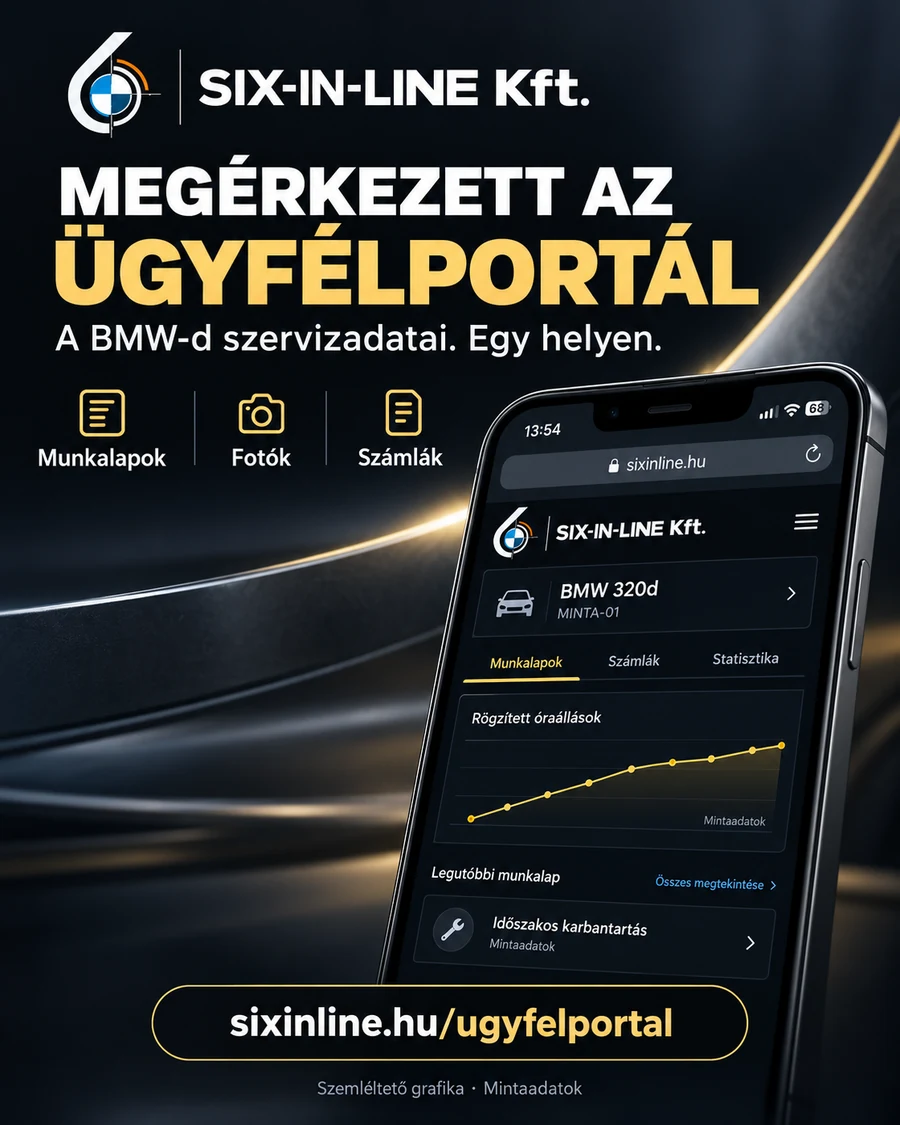
01 / YOUR SERVICE HISTORY
Job sheets.
Photos. Invoices.
Select a car to find its available documents and photos together. If you have several approved vehicles, you can switch between them.
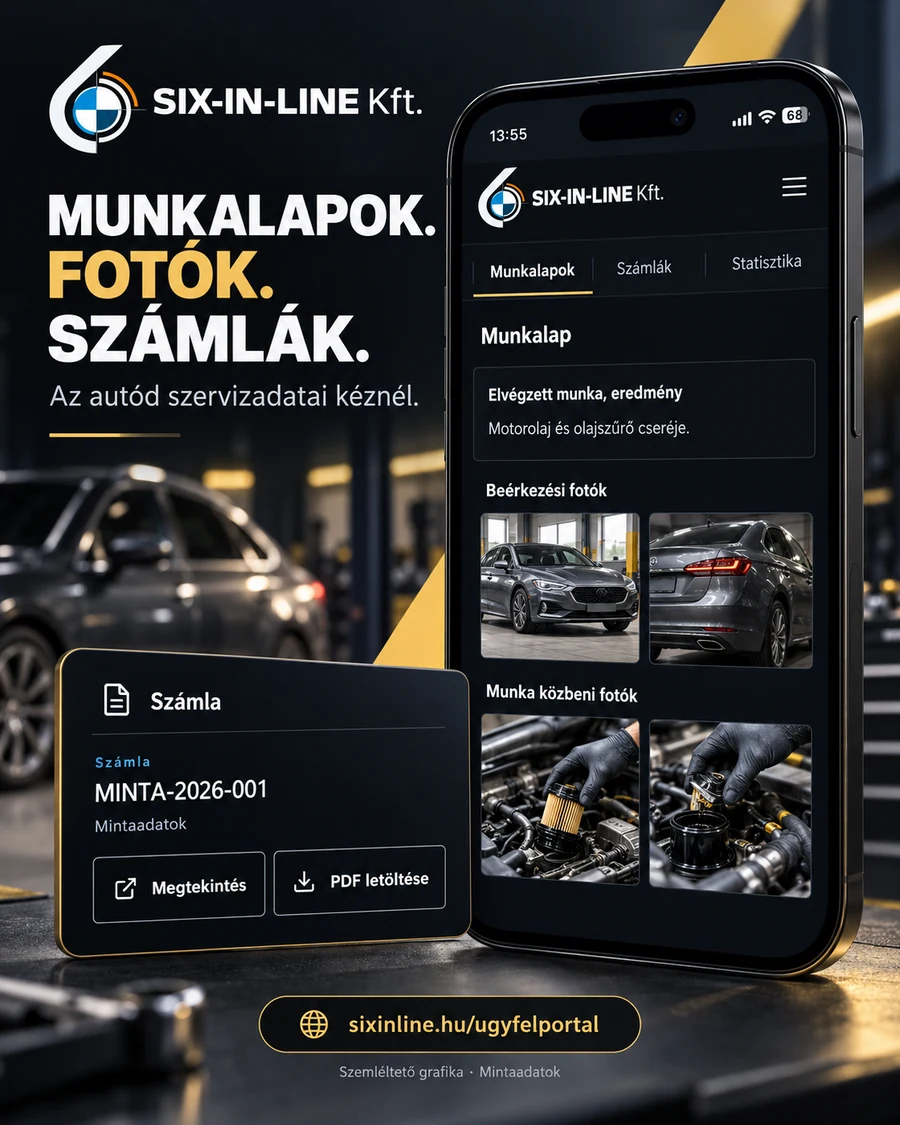
Work completed
Review the job sheets published in the portal and the associated repair documentation.
Photos from the workshop
Uploaded arrival and work-in-progress photos help you follow the documented condition and the work carried out.
Invoices at hand
Open the available invoices and download their PDFs where provided.
The content shown depends on the documents recorded and shared. Older services may not have photos or digital job sheets.
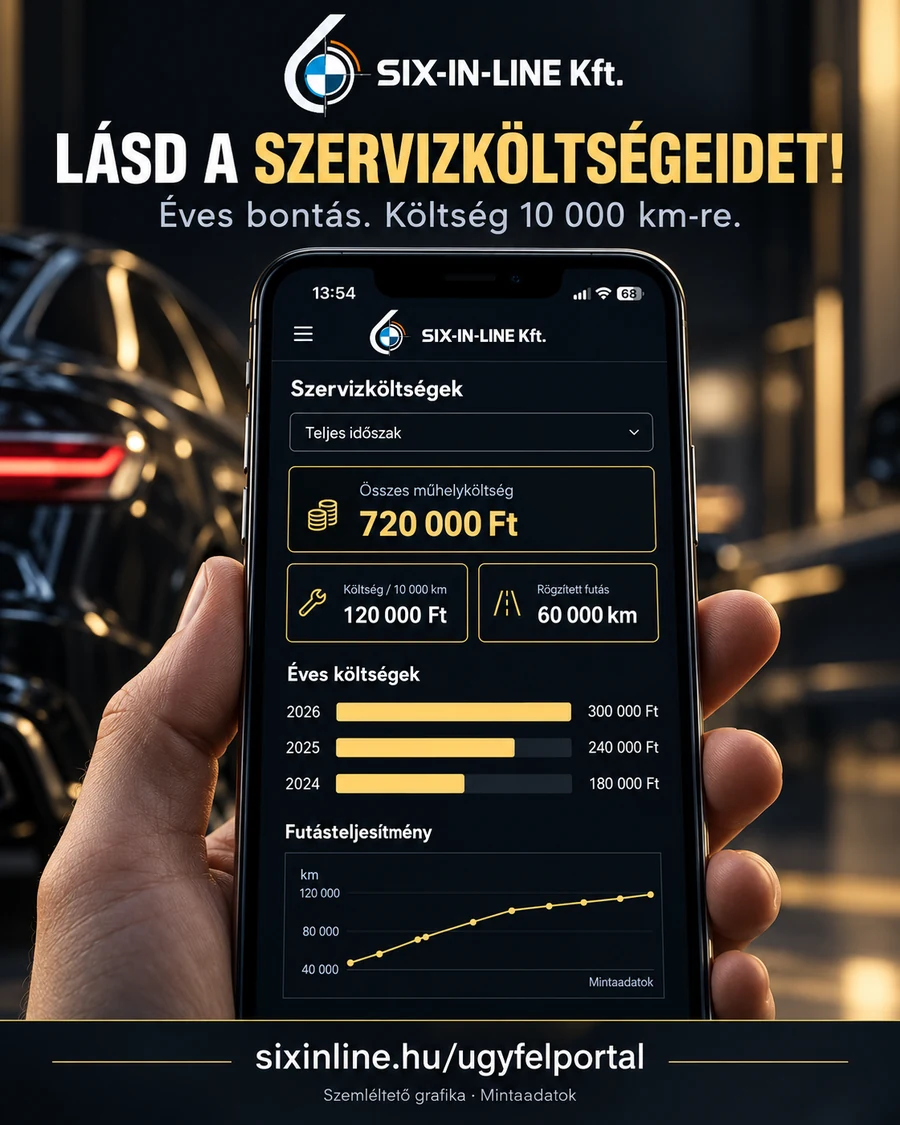
02 / COSTS AND MILEAGE
See your service costs.
The Statistics tab uses available invoices and recorded odometer readings to give you an overview of your car’s workshop costs.
Total and annual costs
View invoiced workshop costs including tax, both in total and by year.
Cost / 10,000 km
When enough data is available, the system also shows workshop costs relative to the recorded distance travelled.
Odometer readings over time
Recorded dates and odometer readings can also be viewed on a chart.
How is cost per distance calculated?
We divide the invoice totals including tax issued during the period between the two displayed odometer readings by the recorded distance, then multiply by 10,000. The annual figure uses readings recorded within that year.
If data is missing or unsuitable, we show an explanation instead of an estimate. Different currencies are displayed separately.
The figures show workshop costs from invoices available in the portal. They do not cover all car ownership costs and are not proof of payment.
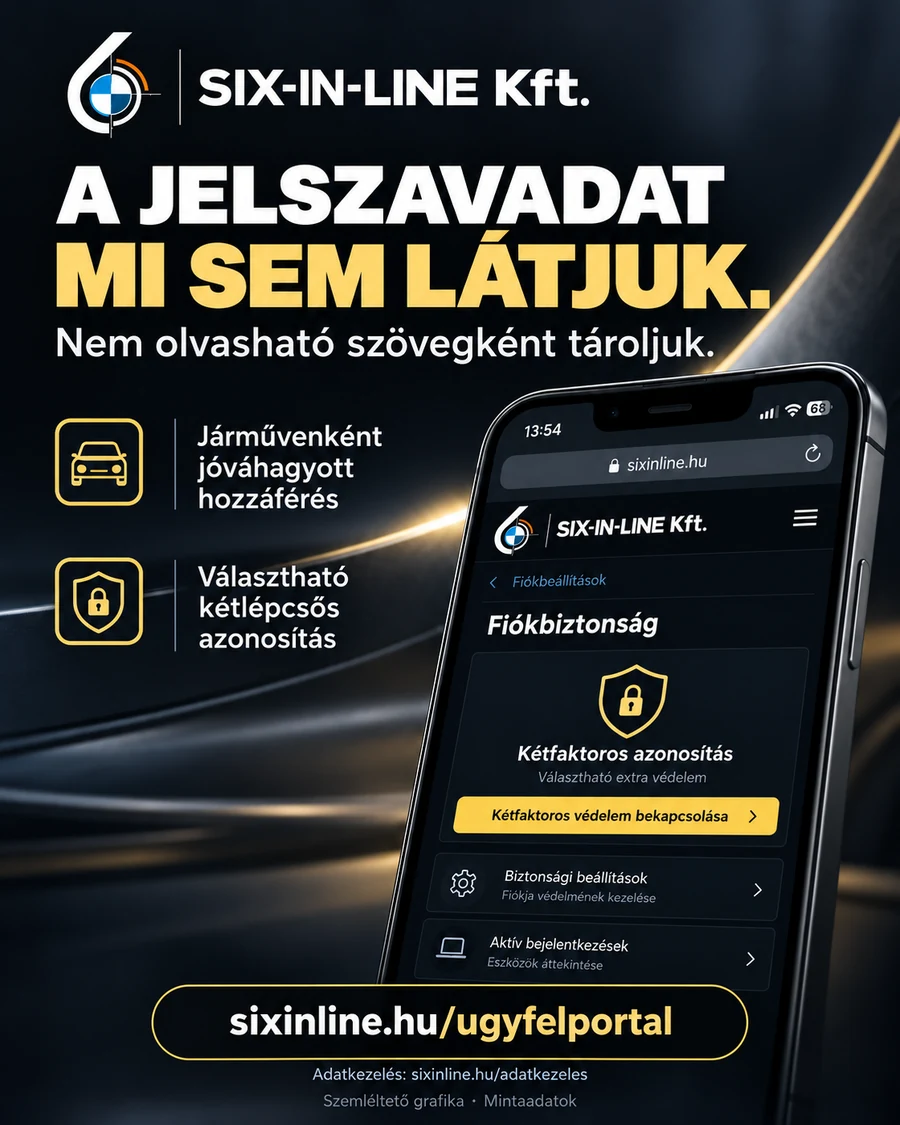
03 / PERSONAL ACCESS
Your password
is hidden from us, too.
The system stores your password as a salted, one-way hash rather than readable text. Your password is not shown in the workshop’s management interface.
Approval for each vehicle
Registration alone does not provide access to vehicle documents. The workshop separately checks and approves the customer link and access to each vehicle.
Optional two-factor protection
When enabled, signing in requires a code from your authenticator app as well as your password.
Your account security settings
Manage your password and two-factor protection in your account. If you forget your password, you can request a reset by email.
A FEW STEPS TO YOUR ACCOUNT
Getting started.
- 01
Register
Enter your details in the customer portal, then confirm your email address.
- 02
We check the customer link
We link your account to the correct workshop customer record.
- 03
We approve the vehicles
Access is approved separately for each vehicle. Your account can include several cars.
- 04
Review your records
After signing in, you can view the available documents and statistics for your approved cars.
Your customer account can be approved without a car; vehicle access can be granted separately later.
Frequently asked questions
Why can’t I see my car immediately?
The customer record and the vehicle need separate approval. If you have registered but cannot see the expected car, contact the workshop.
Will every old document be available?
The portal shows documents available and shared for that vehicle. Older jobs may not have digital job sheets or photos; statistics also rely on the available data.
Can I use it for several cars?
Yes. Access all your approved vehicles from the same account, each with its own service records.
Is two-factor authentication mandatory?
Two-factor protection is optional and can be enabled in your account security settings. Keep your recovery codes somewhere safe.
AT HAND BEFORE YOUR NEXT SERVICE
Explore your car’s service history.
Sign in or create your own Six-In-Line customer account.